Feature update: Positional Questions
Published: December 17, 2025
Building on top of the existing quizzes, we've now introduced a new Positional question type to help your players to learn their role in each play.
Positional questions
Added into the mix of question types is now a positional multiple choice question. This question type shows the role of one position (e.g. "Z") across a number of other plays. The player taking the quiz will then be tasked with choosing the correct role for that position on a given play.
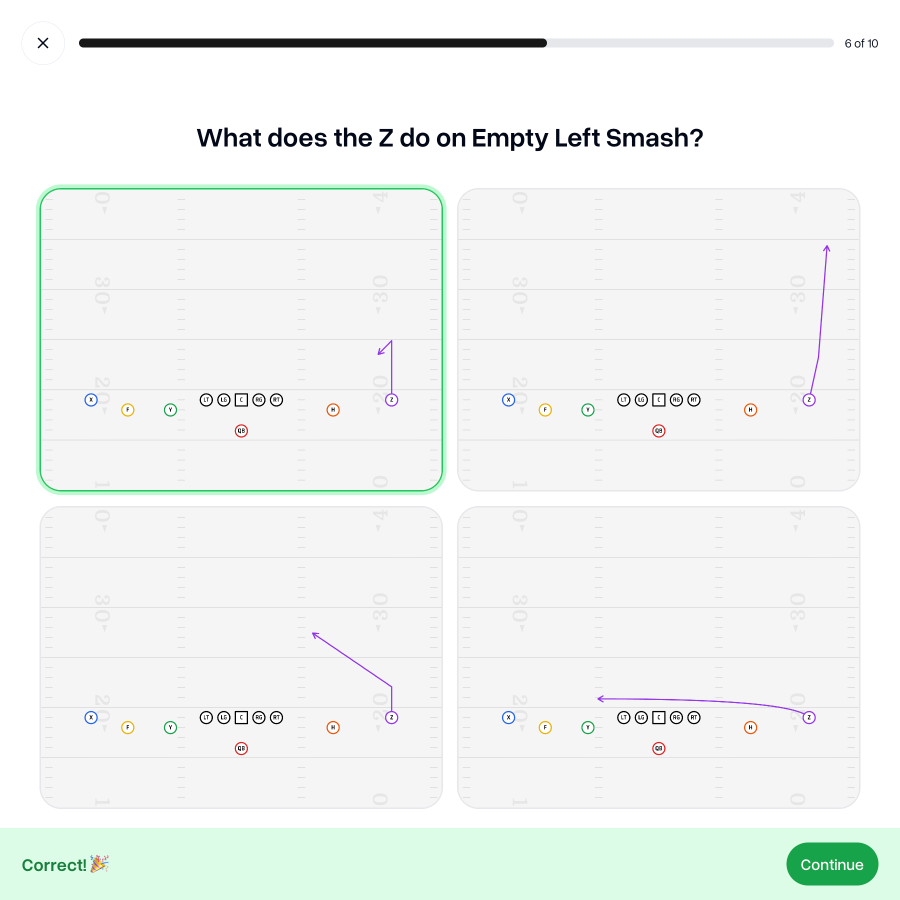
This helps to move beyond just recognizing a play, and towards recalling the details of a play.
Assign positions
To ensure that the right players are learning the right details, coaches can now assign positions roles to players from the Roster tab. This means that quizzes will be more tailored to each position so ensure they know their role on every play.
You can assign multiple positions to each players to ensure there's always a next man up ready to step in when their number is called.
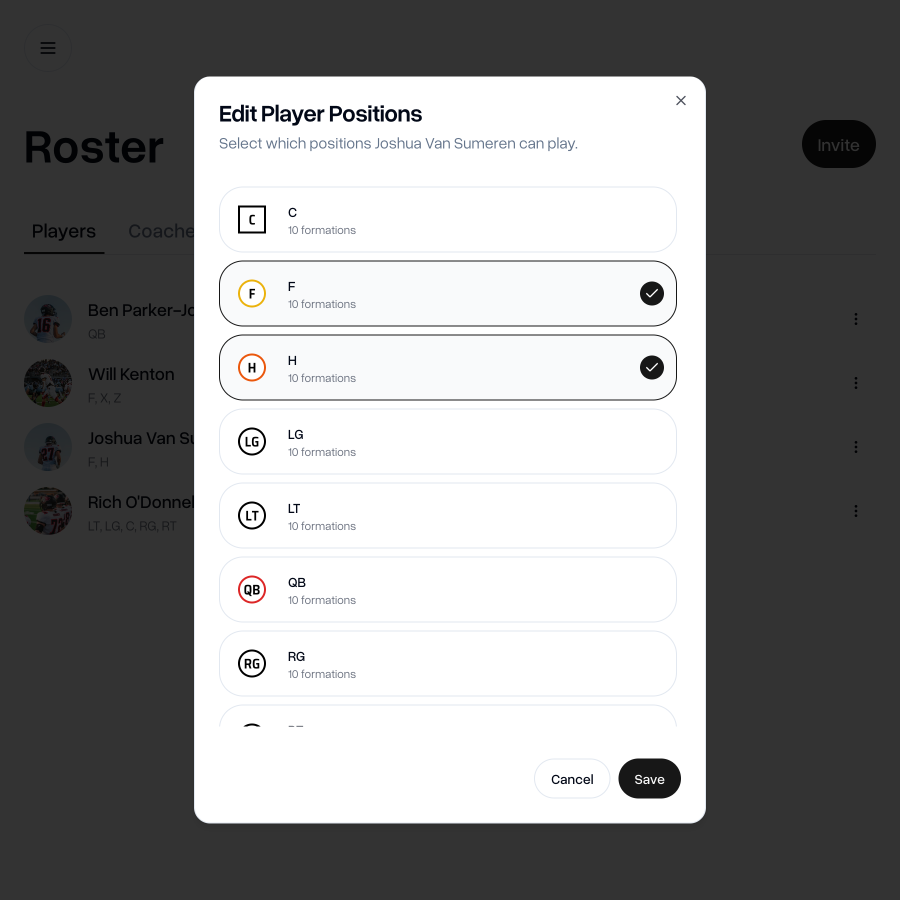
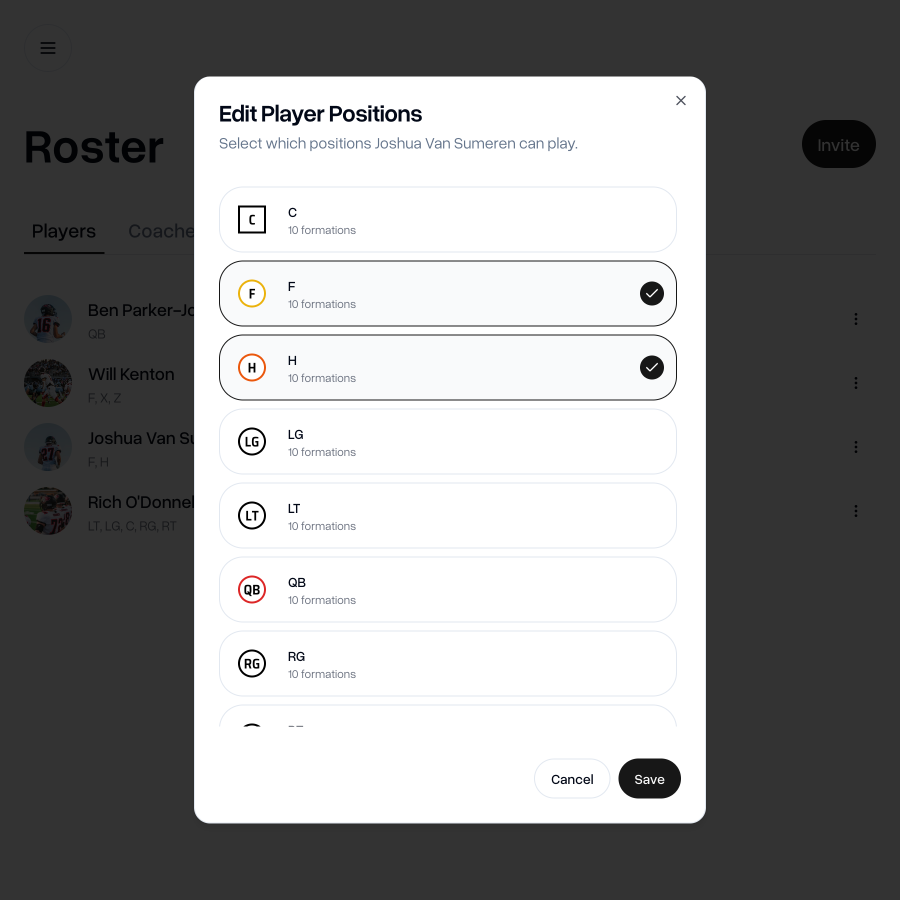
You can also assign and manage which players are assigned to which positions from the Positions tab.
Adjust positional quiz settings
If you want some positions to be able to see questions for positions other than their own, you can head to the Positions tab. Here you can adjust the quiz settings so that certain positions see positional questions for other positions.
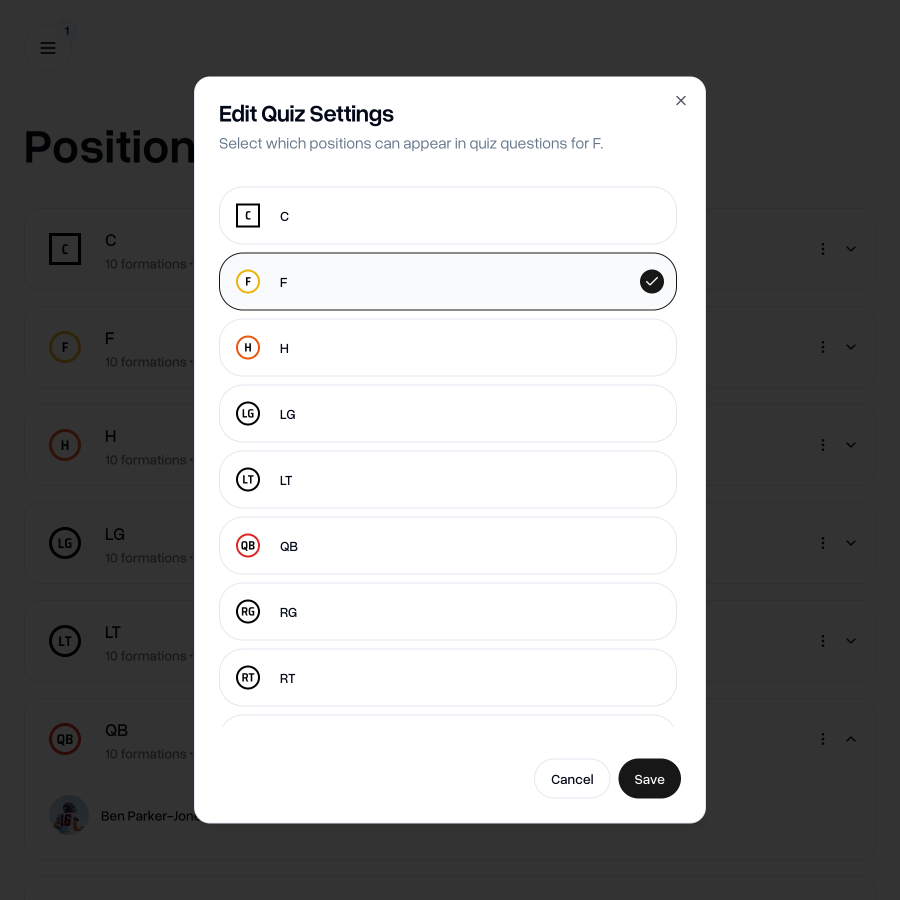
By default, QBs can see all roles (you can still edit that), but you can also allow other positions to see quizzes for other positions too.
Go to my teamIf you have any questions, just drop me an email at aaron@playdesignerpro.com
— Aaron, Founder of Play Designer Pro