Feature update: Motions Tab
Published: March 10, 2026
I'm always looking for ways to help coaches build, organize and teach their playbooks.
This new update gives coaches a separate place to focus on outlining the different motions in their playbook in the "Motions" tab.
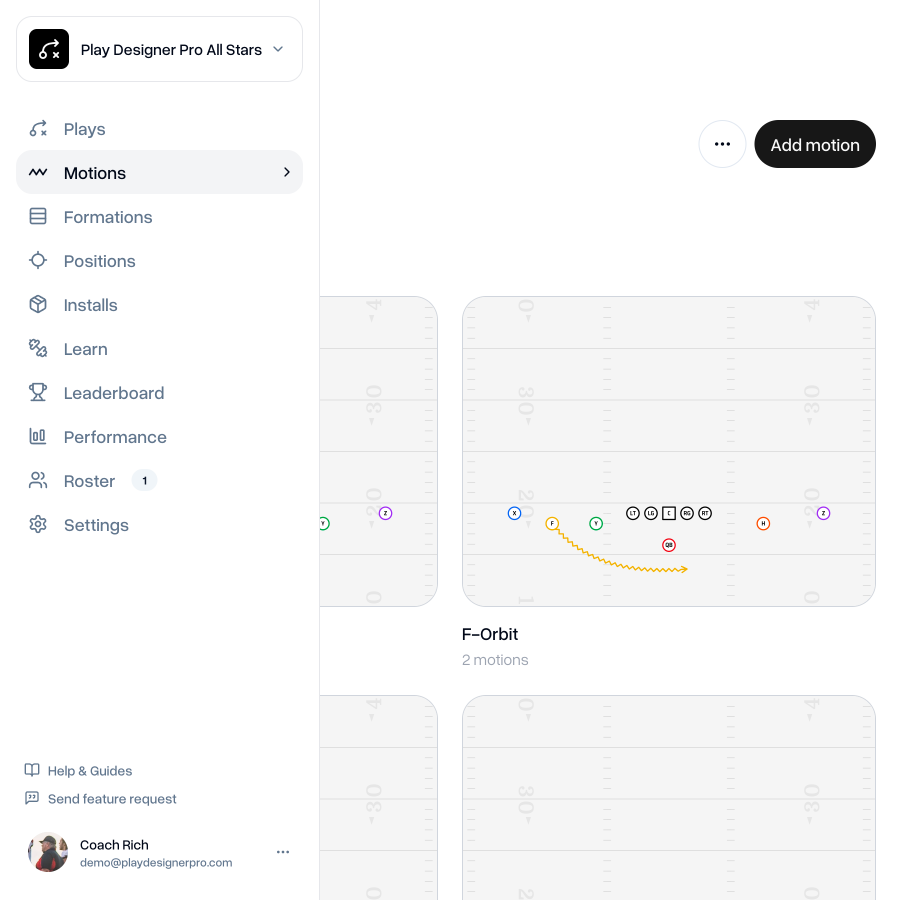
The new Motions tab gives you a place to detail your motions without the distraction of having them alongside plays.
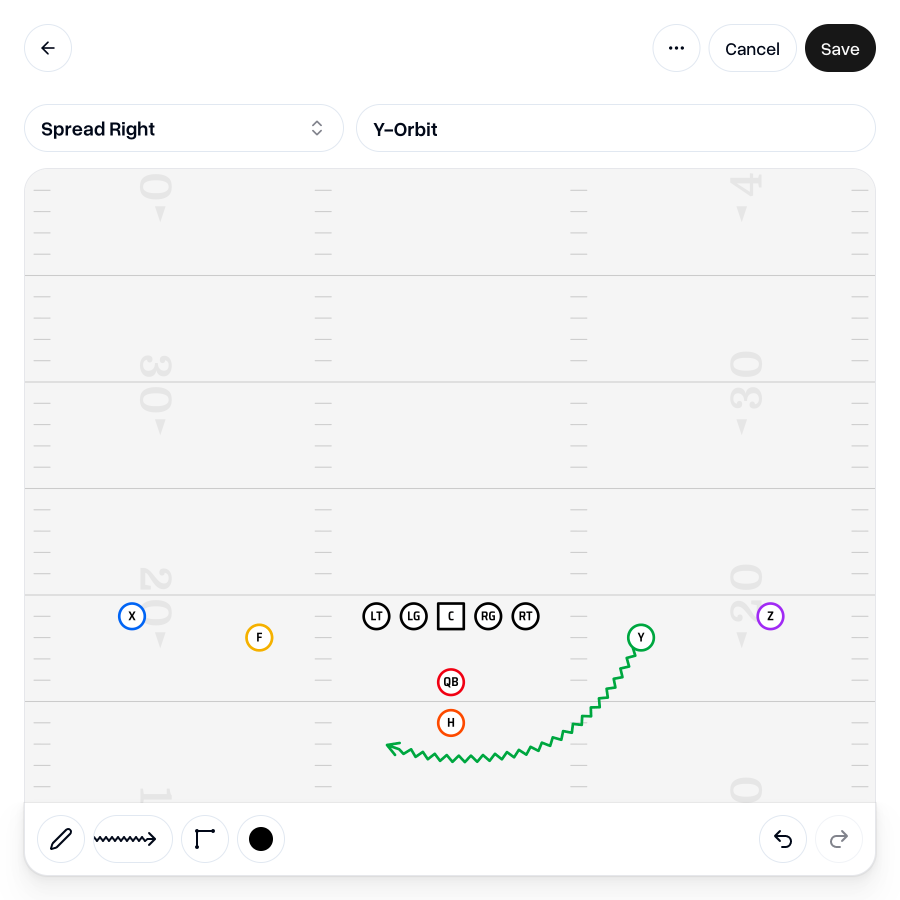
Coaches can draw and edit motions, just like they can for plays.
We've also made a few tweaks to motion line drawing. You can now draw motion lines with route or blocking end caps. We've also tightened up the width of zigzag lines so they're easier to fit into your play drawings, for both motions and plays.
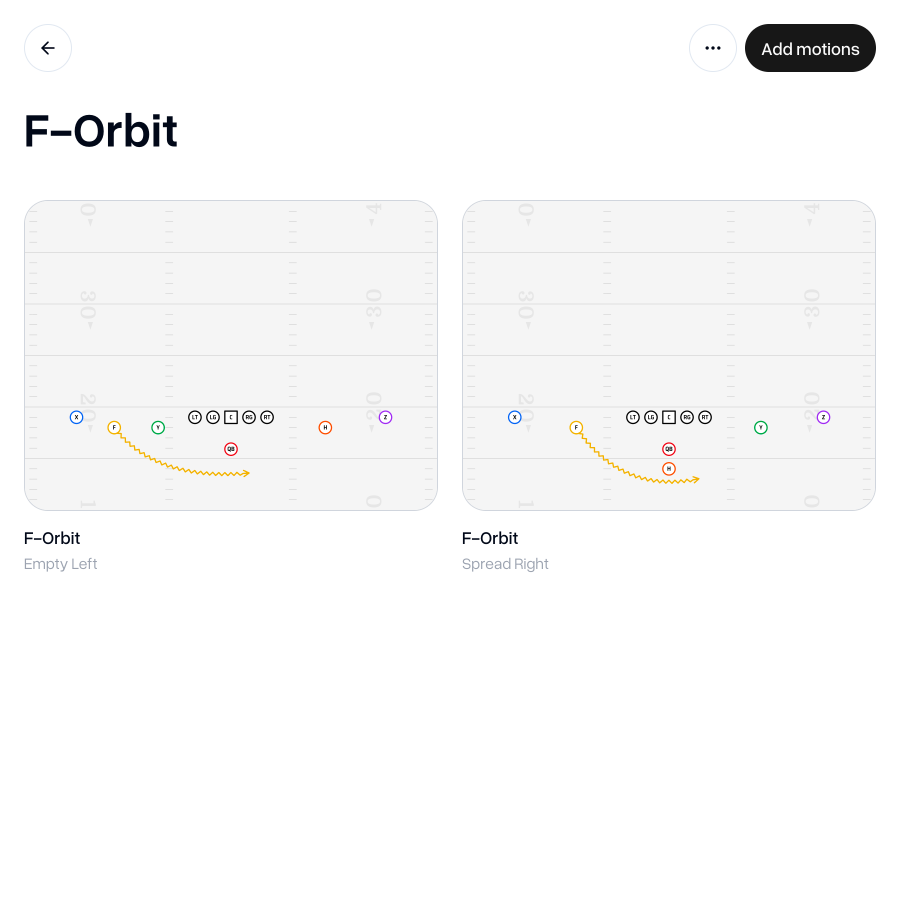
Just like plays and formations, you can also create motion groups—great for showing the same motion from different formations or for grouping motions by position.
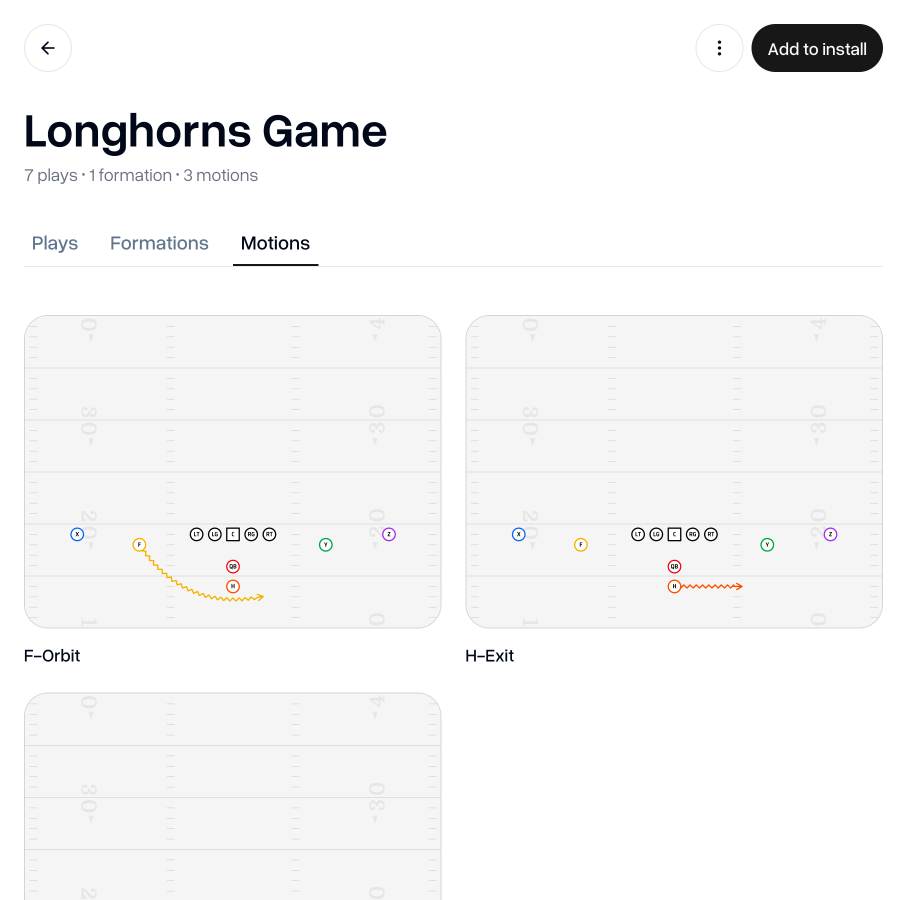
Installs now allow Motions to be added to them, alongside Formations and Plays. Motions can be printed individually, as a group or as part of an Install.
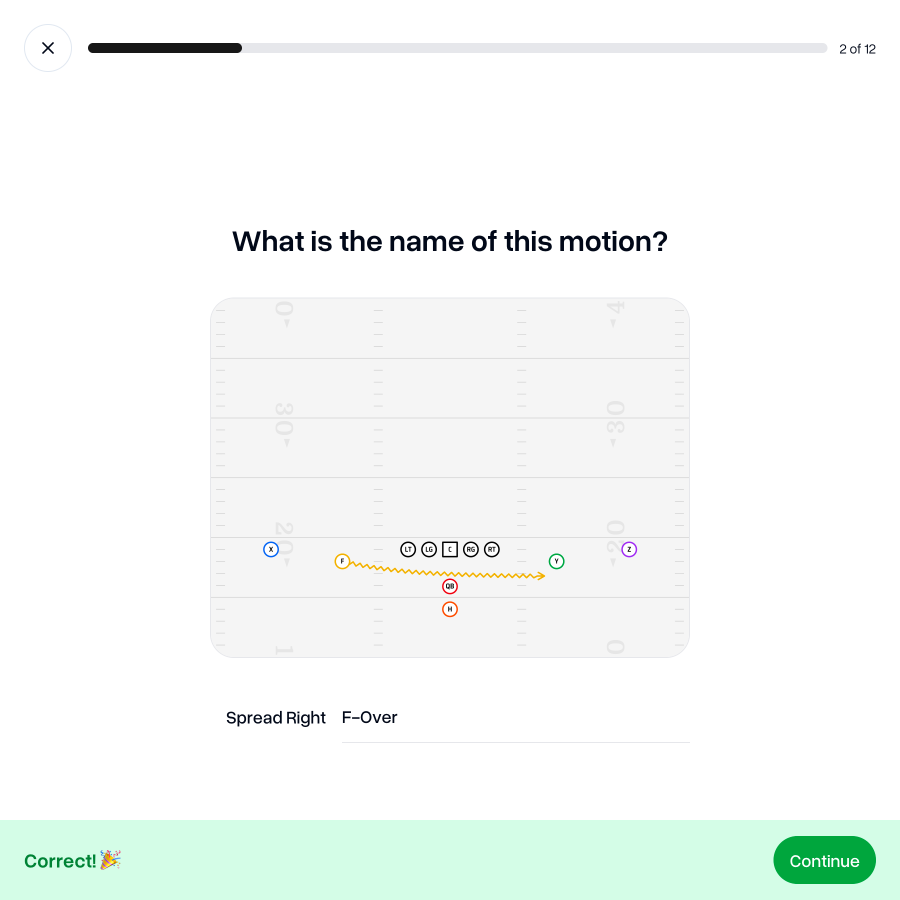
Motions have also been added to quizzes, so your players can start learning your motions through interactive quizzes right away.
 Go to my team
As always, I'm keen to hear your thoughts on this update. If you have any feedback, questions or ideas for improvements, don't hesitate to reach out at aaron@playdesignerpro.com or via the live chat on the site.
— Aaron, Founder of Play Designer Pro