Feature update: Custom tags and filtering, searching, and sorting
Published: October 16, 2026
As your playbook grows bigger and bigger, it can become a challenge finding just the right play you need for different situations.
That's why we've made a few changes to help you get around your playbook.
Custom tags
You can now add multiple custom tags to your plays. Need to tag plays that you plan on reaching for in the red zone? Or on 3rd down? From the left hash? Custom tags are perfect for this.
They're also great for tagging plays with certain concepts, especially if a concept uses different concepts on both sides of the field, since you can add more than one.
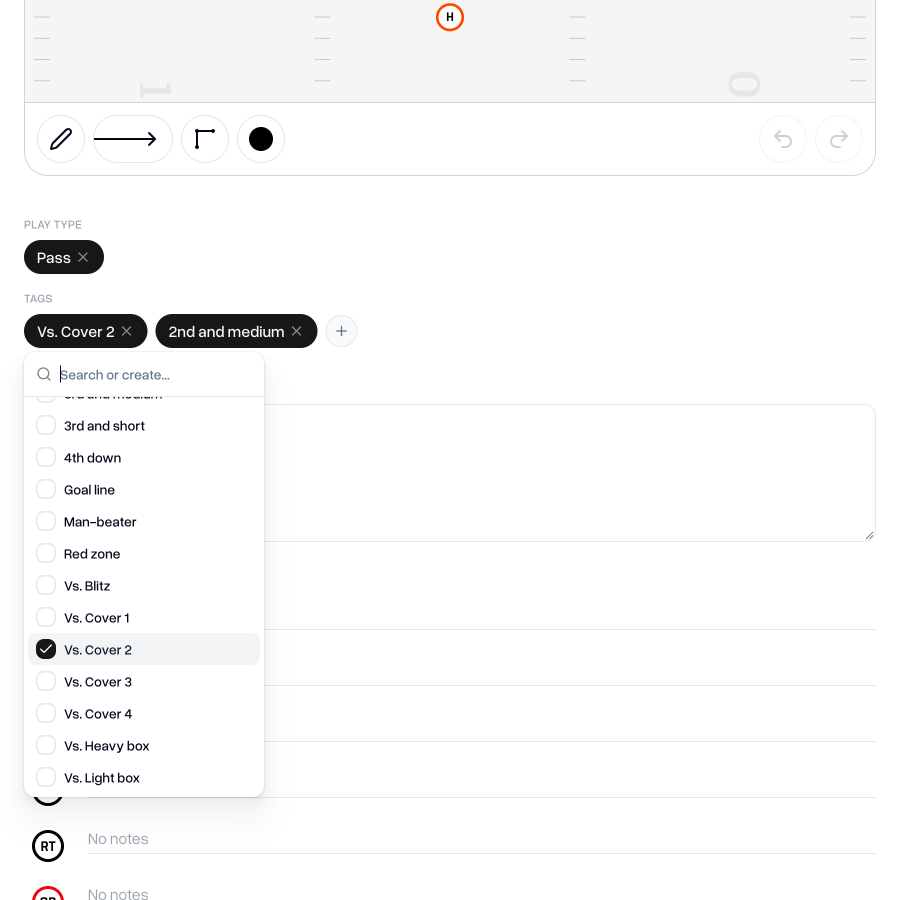
You can also add tags to Formations, allowing you to filter by tag on the formations list.
Play types
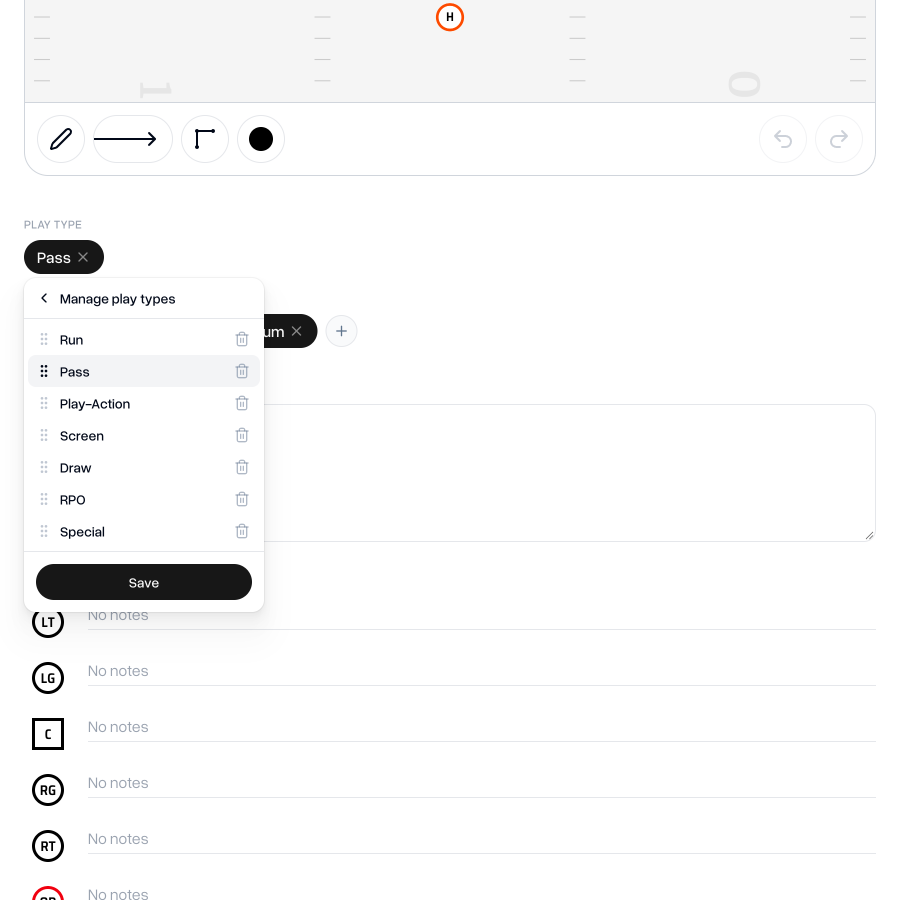
The old "Tags" are now "Play Types". You can still only assign one Type to each play, but now you can create new ones and customize the names of any existing Types.
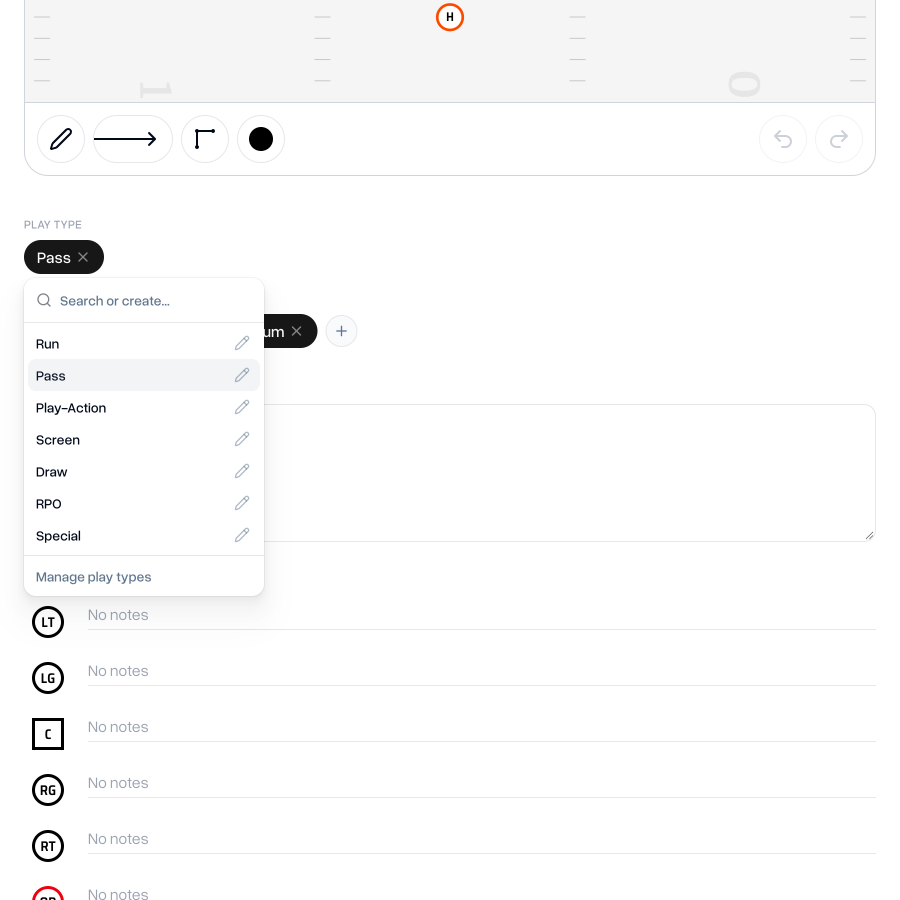
You can also re-order your Types so that your plays are ordered just how you like them in your list of plays and in your playbook printouts.
Filtering plays
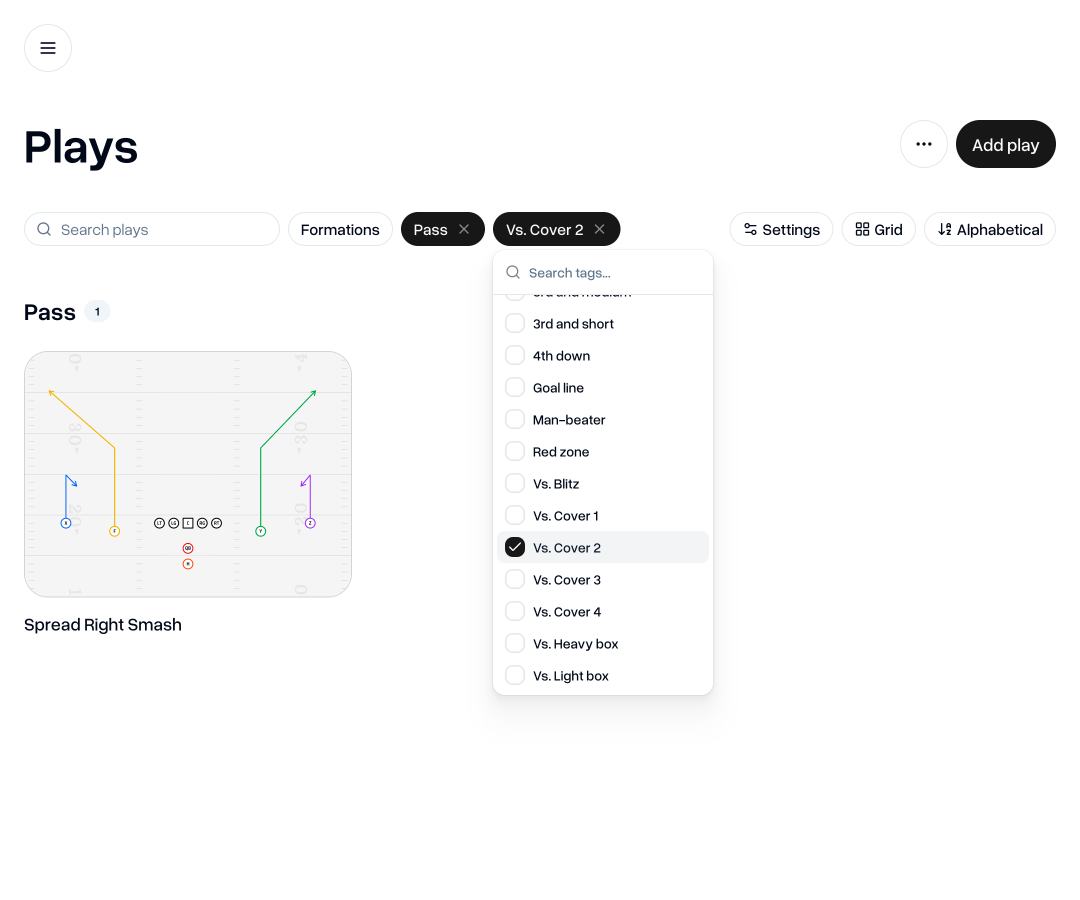
Once you assign types and start tagging plays, the filters on the Plays page make it a breeze to find the play you're looking for.
View modes
We've added a few ways to adjust how your plays are visualized, so you can dissect your playbook in the way that makes the most sense for the plays you're looking for.
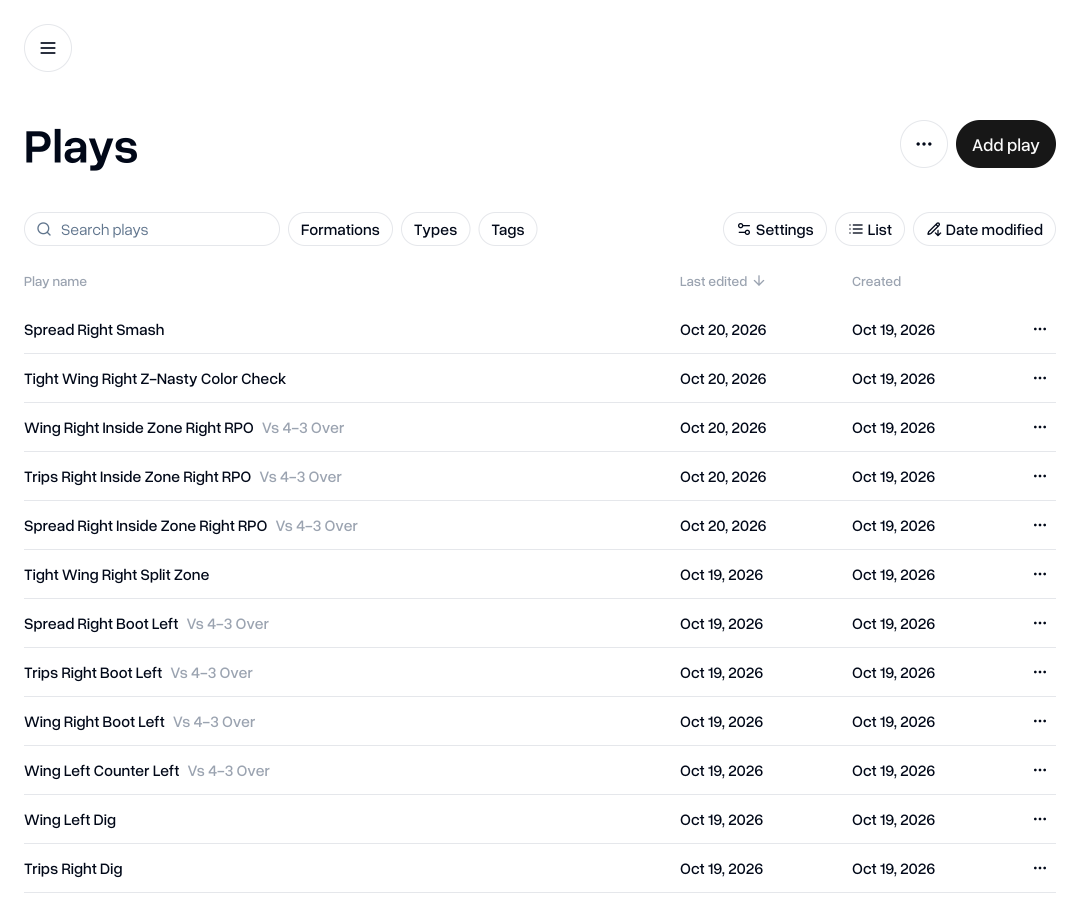
You can now switch between grid mode (our default view that you're probably already familiar with) and list mode.
List mode provides a more condensed view to help you flick through your plays even faster.
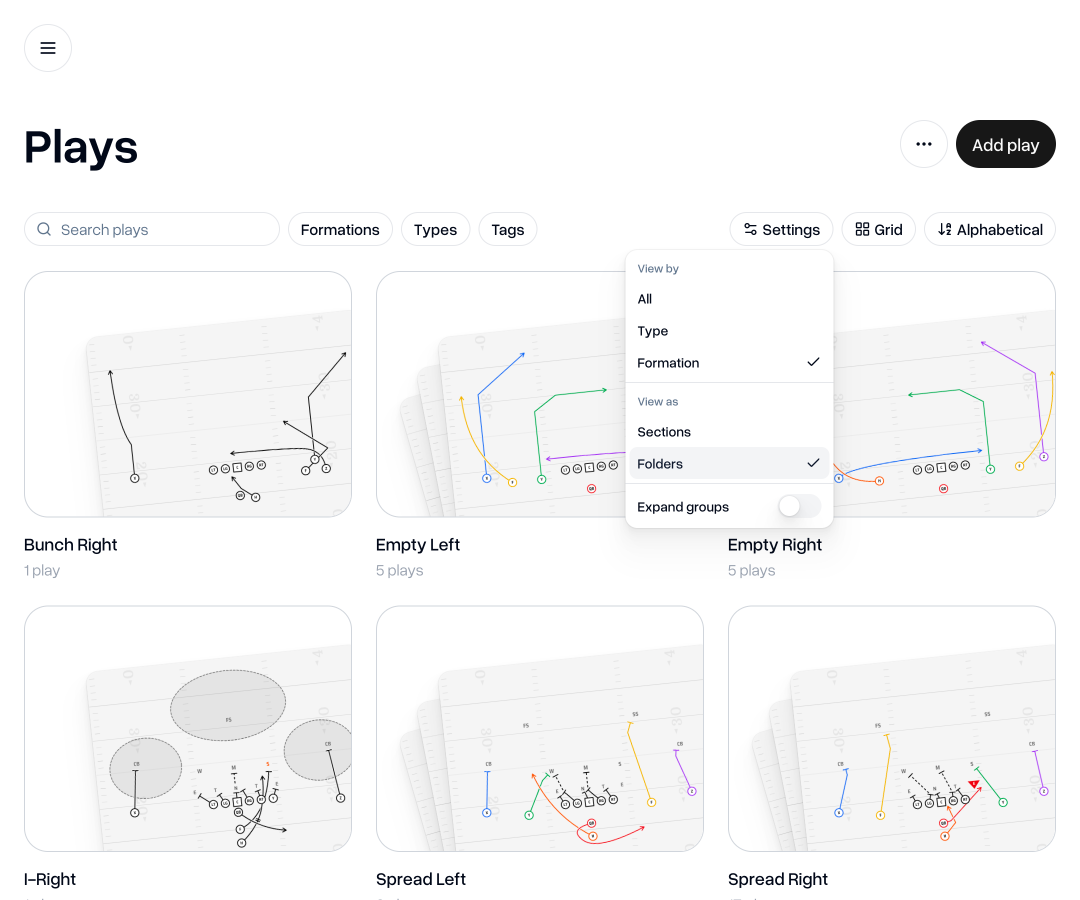
You can also choose how you'd like to section up your playbook: by Play Type, by Formation, or just all of your plays.
You can also choose to see these as sections or folders.
Expanding groups
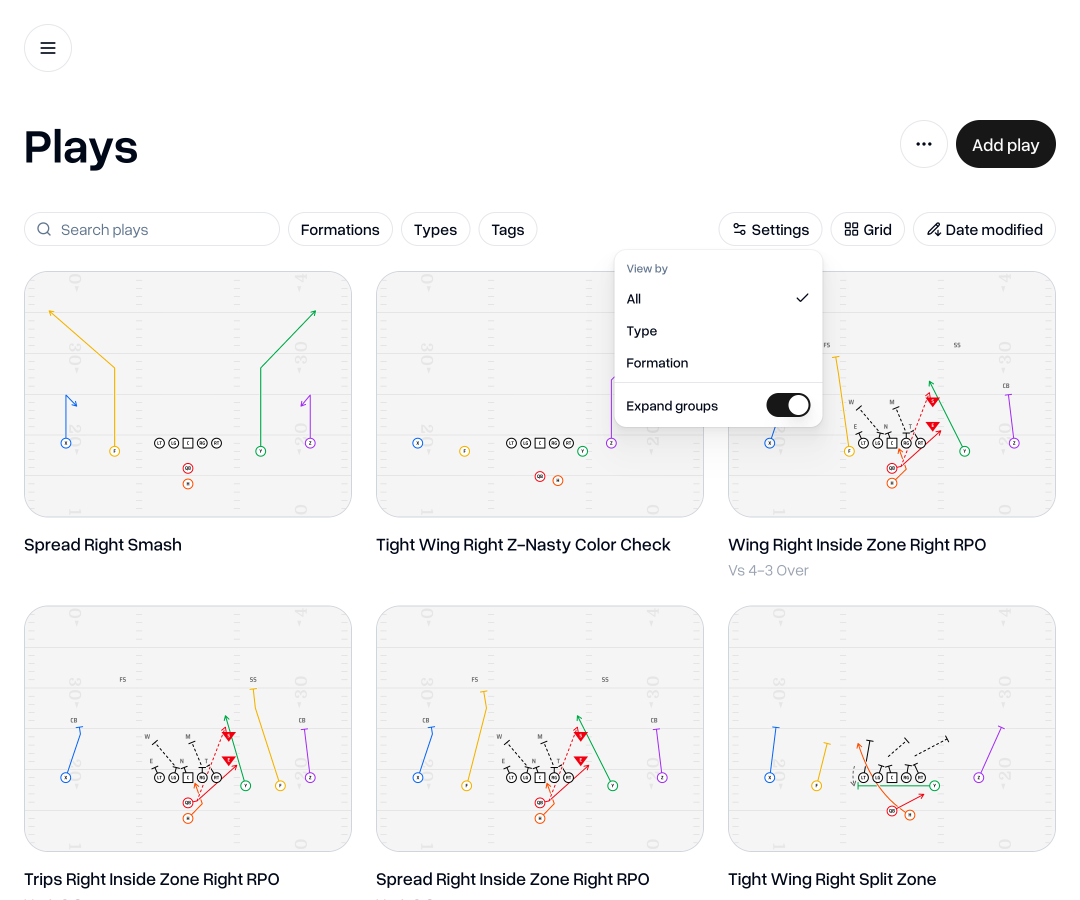
You now have the option to "expand groups" so that you can see all plays individually, instead of needing to click into a group to see those plays. This does not ungroup the plays in that group, but simply allows you to temporarily see the plays inside the group.
Sorting your plays
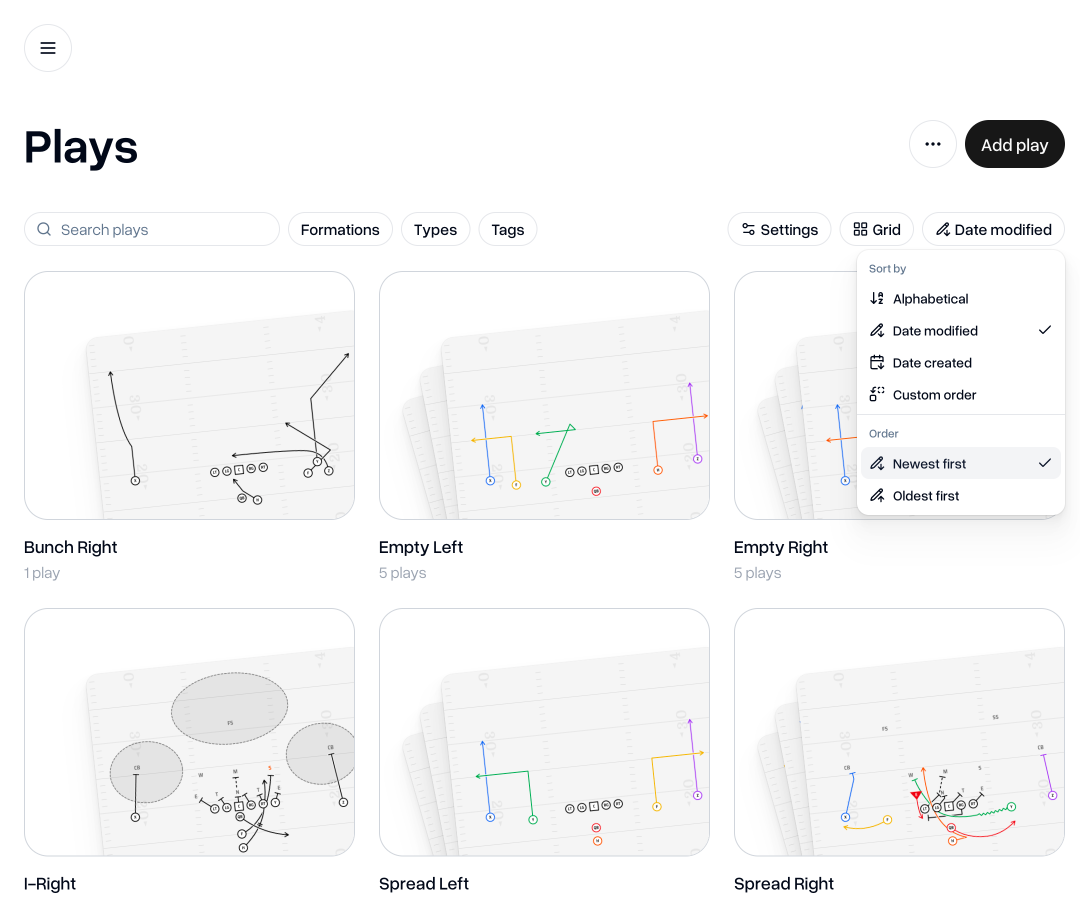
We've also introduced ways to sort your playbook right from your list of plays. Quickly switch between ordering by alphabetical order, last modified date, created date, or you can still set a custom order.
Searching your playbook
If you already know what you're looking for, you can now simply search for the play and it will show any plays that match or partly match your search term.
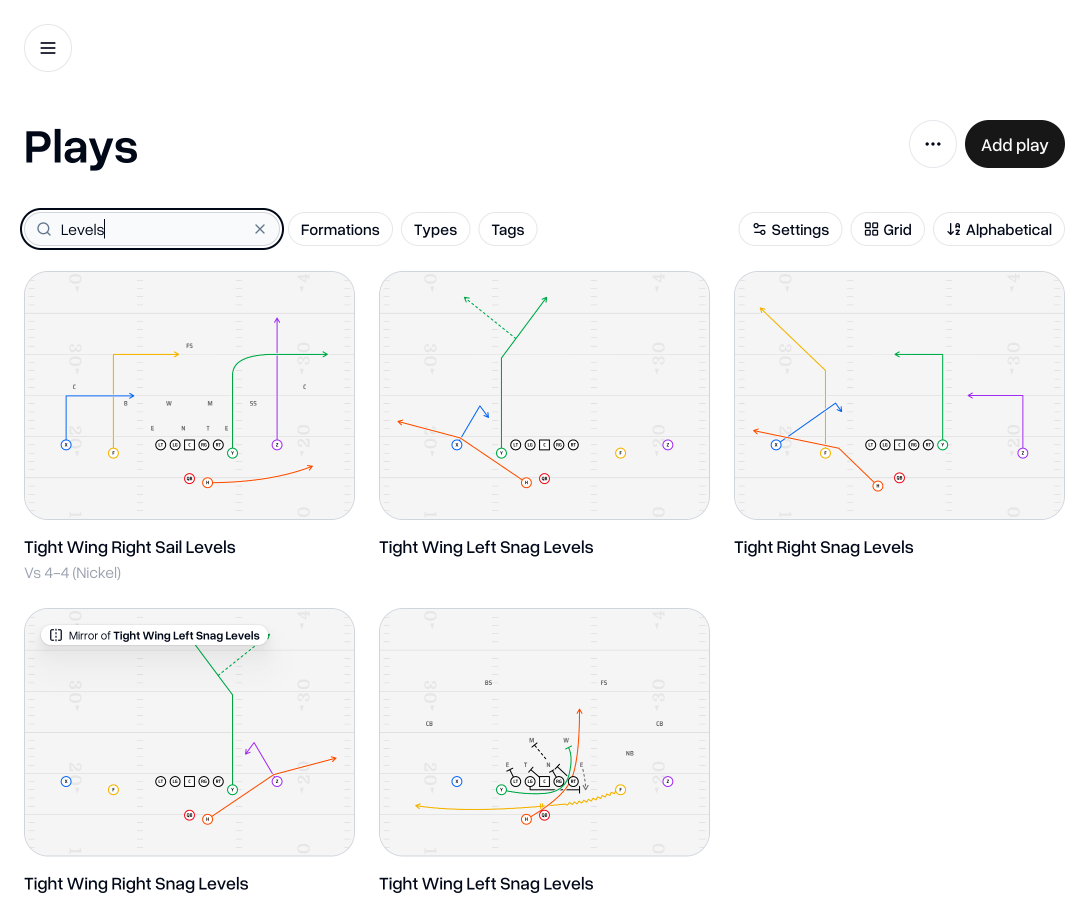
All filters, sorting, and searching can be used alongside one another to help you find what you're looking for.
Changes to other tabs
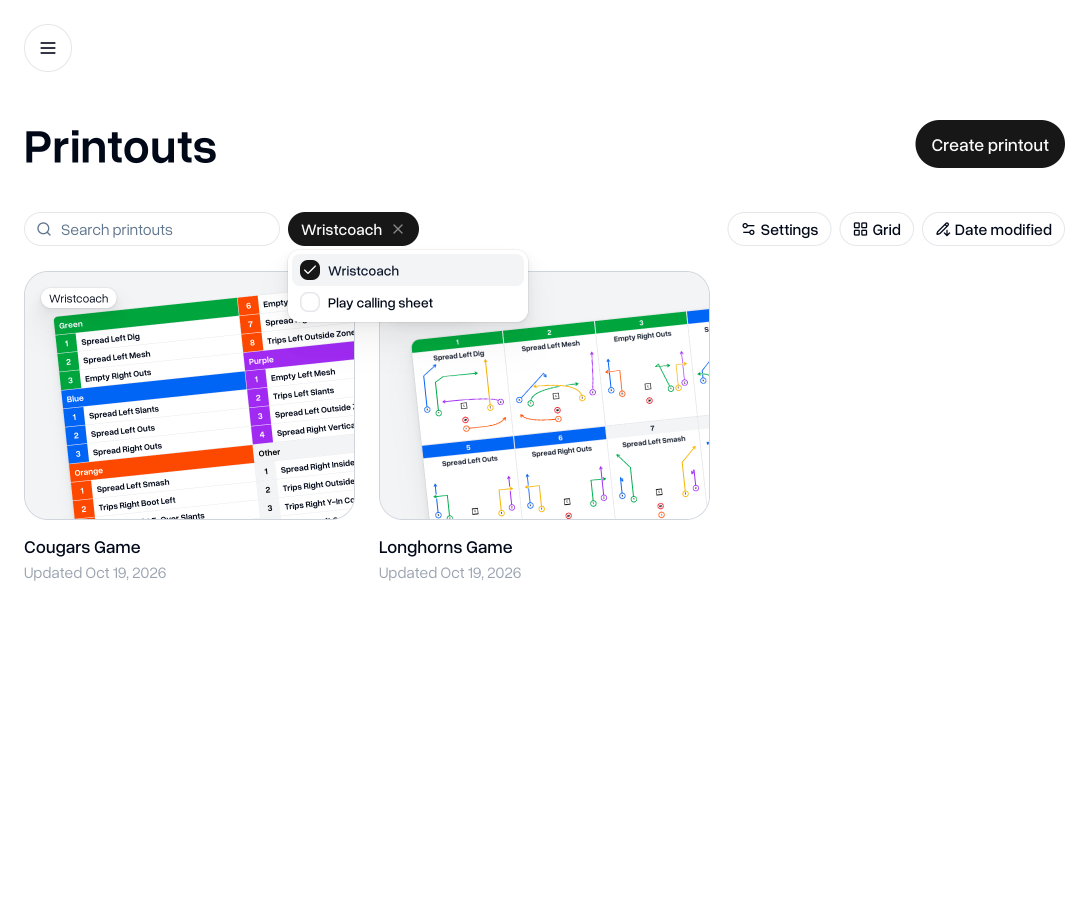
These changes have also been applied, more or less, to the Motions, Formations, and Printouts tabs.
As always, if you have any feedback, questions or ideas for improvements, don't hesitate to reach out at aaron@playdesignerpro.com or via the live chat on the site.
— Aaron, Founder of Play Designer Pro